67%
more spend, on average, from a returning guest than a first-timer.
BIA/Kelsey repeat-customer benchmark

more spend, on average, from a returning guest than a first-timer.
BIA/Kelsey repeat-customer benchmark
of consumers only trust reviews written in the last month.
BrightLocal Local Consumer Review Survey
of consumers read how owners respond to reviews before they decide.
BrightLocal Local Consumer Review Survey
A busy bar serves thousands of guests a year, and almost none of that shows up where the next guest is looking. The receipts remain. The reviews don't.
Tap gives every guest an easy way to leave a review, find your events, or join your list before the tab closes. Same invite for everyone, no filters.
One page for the whole room, with each tag labeled by where it lives.
01
Standard tags for wood and stone. On-metal tags for steel and zinc bar tops.
02
Their phone's built-in NFC opens your page. No app, no camera hunt.
03
The review invite, tonight's drink list, the events calendar, reservations, or your list. Whatever you've turned on.
04
Point every tag at the weekend's event tonight and back to the menu on Monday, from the dashboard.
Start where guests pause with a drink in reach.
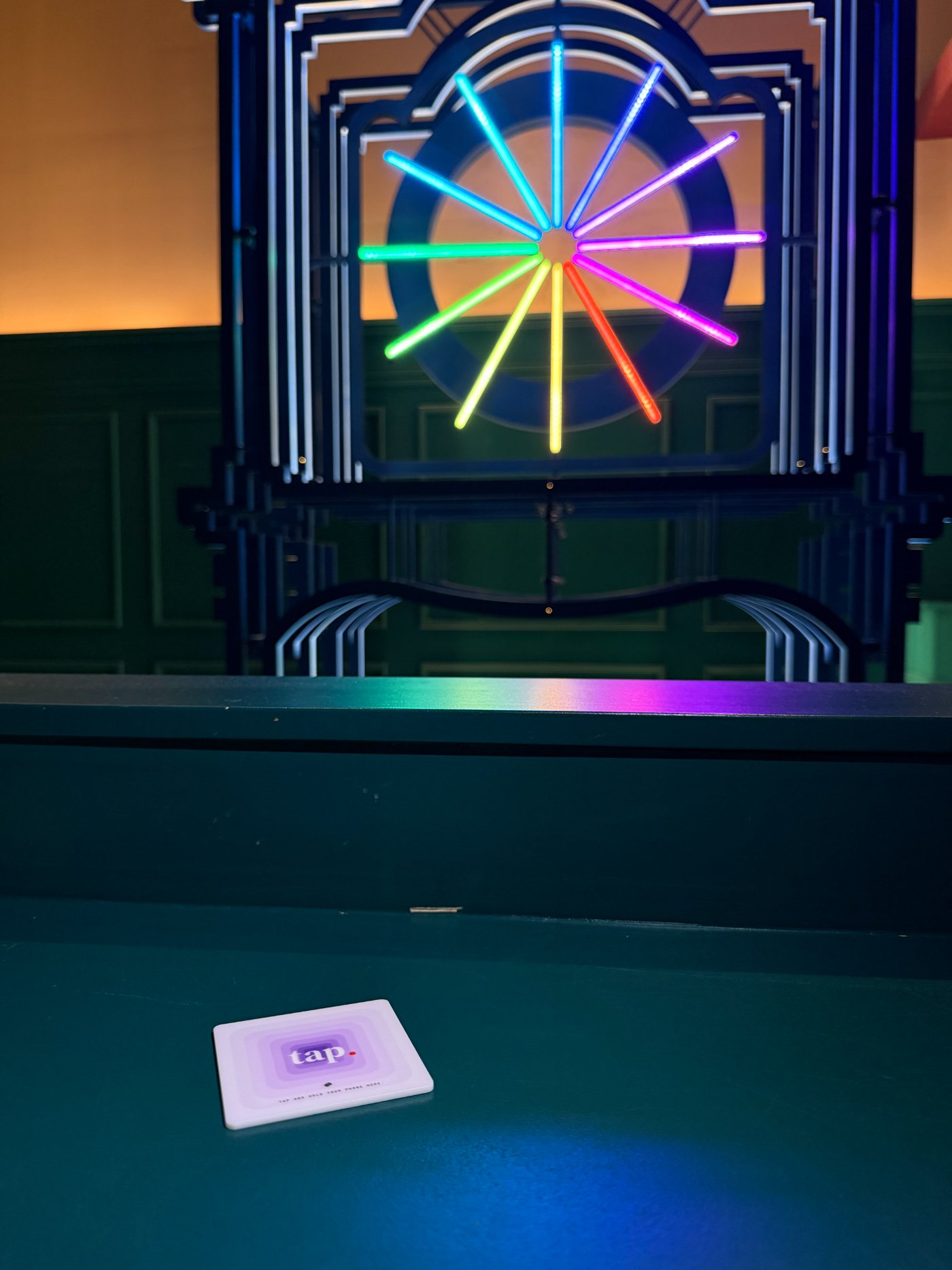
Use the on-metal option for steel or zinc, and keep the tag clear of mats, menus, and glassware.
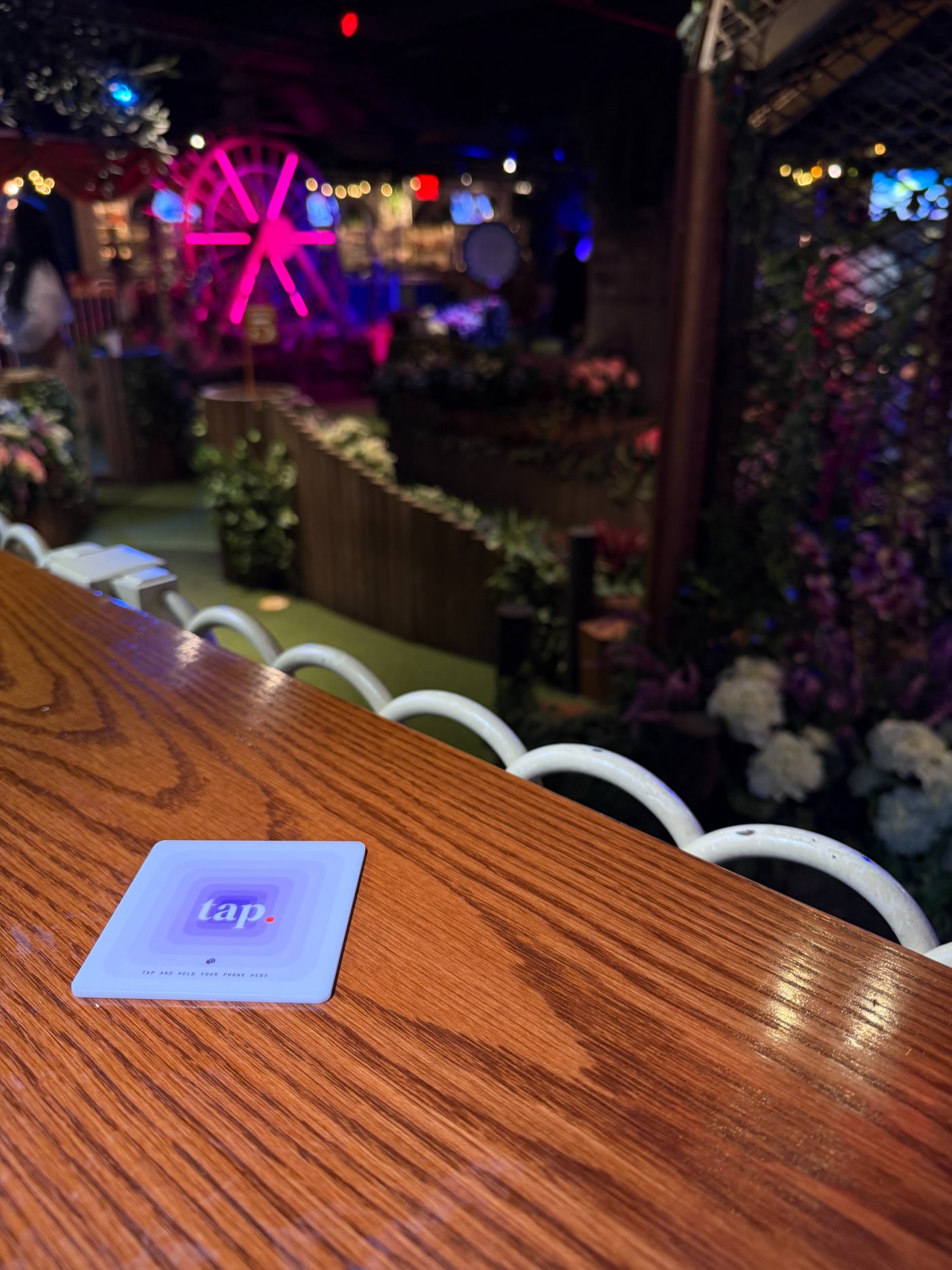
Seated groups get the drink list, the events calendar, and the review invite without flagging anyone down.
Anywhere guests settle in for a round and already have their phones out.
The same page works at outdoor tables, ticketed nights, and the door. Label each tag in the dashboard so you know which spot earns the taps.
A clear path to leave you a Google review, with the same invite for every guest.
Tonight's drink list, live music, weekly events, and reservations in one place.
The profiles guests already follow, plus a share button for the group planning the next night out.
Guests can join right from the page. It's a guest list you can export from the dashboard whenever you want.
Every Tap tag ships programmed the same way. Choose the color that fits the table — including new House Linen and After Hours.
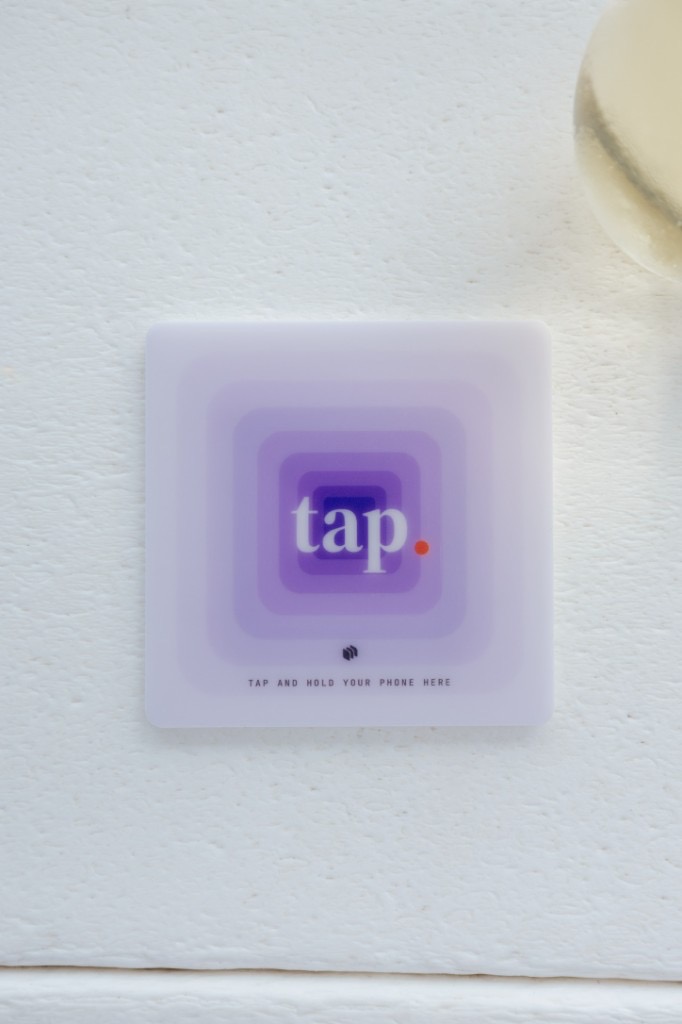
The Original
Recent iPhones read a tag while the screen is awake: hold the top edge near it. Android phones with NFC read from the back while unlocked; NFC may need switching on in Settings.
Guests don't need a Tap account or a Tap app. The tag opens your page from the phone's built-in NFC reader, and a quick test tap at the bar settles it for your room. Antenna spots vary a little by model.
Our guarantee: double your Google review pace within 60 days, or your Tap subscription is credited until you do. Tap measures new Google reviews per 30 days against the bar's trailing-90-day baseline.
Miss the promised pace by day 60 and the Tap subscription is credited each month until the bar reaches it. The one-time hardware fee is not part of the credit.
Tap includes programmed NFC tags, a venue-branded guest page, and the operator dashboard. Monthly plans add a one-time $149 hardware fee; annual plans waive it. Standard shipping is free, and subscriptions can be canceled anytime.
Tap
20 Tap Tags included + the review guarantee
Get started →Metal changes how an NFC antenna reads, so Tap offers on-metal tags tuned for steel and zinc surfaces. Choose the metal-surface option during setup, then test the final placement before service.
Useful starting points include the bar top, high-top tables, booths, lounge tables, patios, and event or entrance areas. Keep each tag visible, reachable, and away from places where glassware will cover it.
A Tap venue page can link reviews, menus, current events, Wi-Fi, reservations, social profiles, contact details, and a signup form for your guest list.
A guest can choose to join your list right from the venue page. Signups appear in the dashboard, and you can export the list as a CSV whenever you want.
Not yet. The list is yours: export it anytime and use it with whatever email or text tool you already run.
No Tap app or Tap account is required. Recent iPhones can read while the screen is awake; NFC-enabled Android phones generally read while unlocked. Antenna position and NFC settings vary by device.
Tap is $99/month, includes 20 Tap Tags, and comes with our review guarantee. Additional tags are $8 each at 1–49 tags, $7 each at 50–99 tags, $6 each at 100+ tags. Custom tags are available exclusively with annual plans. Monthly plans add a one-time $149 hardware fee; annual plans waive it.
Get Tap, set up your page, and get tags programmed for every surface in the room.
Get started →