
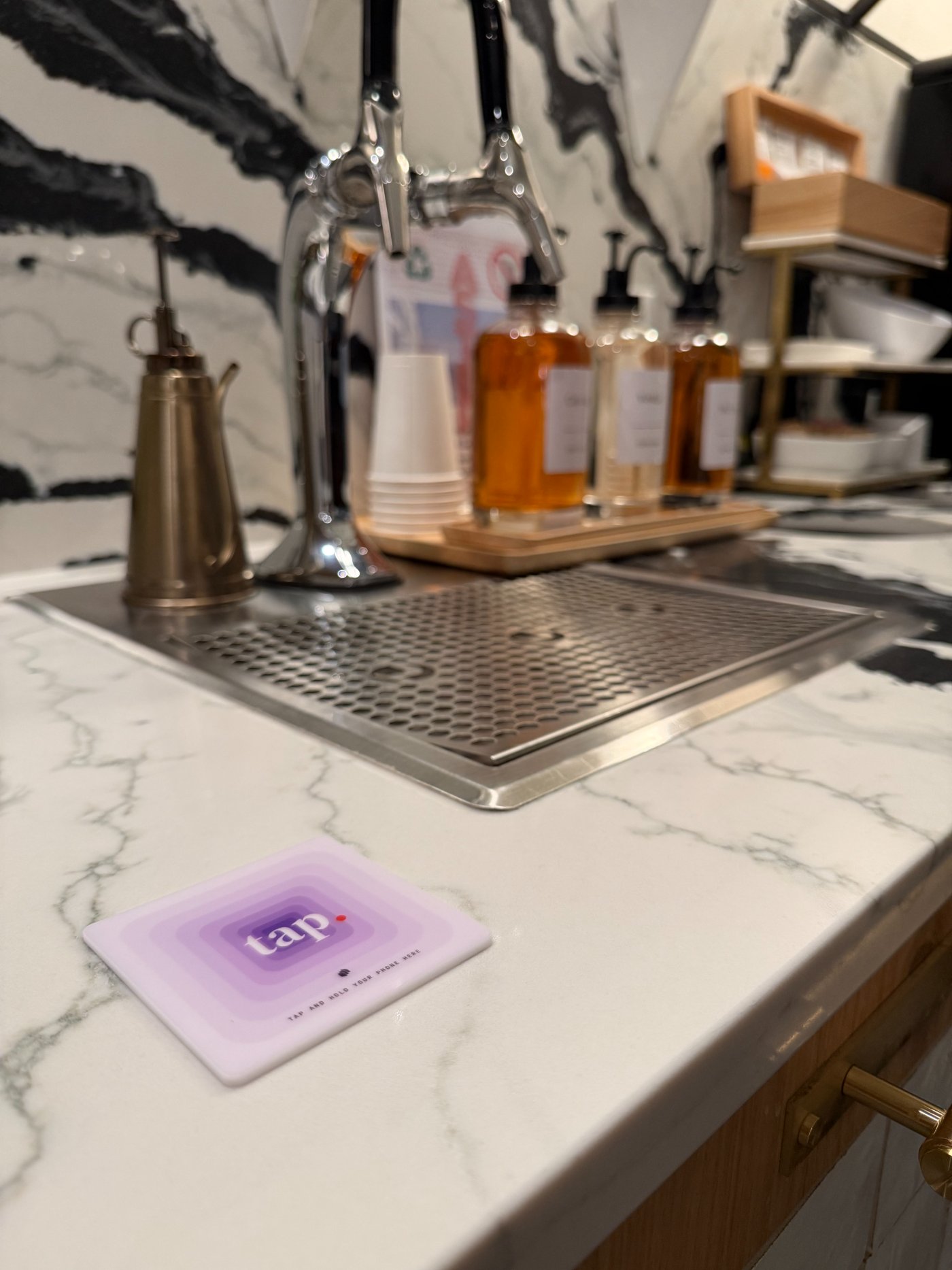
The short answer
Use NFC when the restaurant wants the fastest close-range interaction for guests with compatible phones: wake or unlock, hold near the tag, and open the destination. Use a QR code when visual scanning and the broadest possible camera-based compatibility matter more.
The better question is not which technology wins in every situation. It is which interaction fits the placement, audience, and page behind the physical marker. A well-labelled NFC tag that opens a useful page beats an unexplained chip; a clear QR code beats a damaged code printed too small to scan.
The guest interaction is different
An NFC tag is read at close range. Recent iPhones can read while the screen is awake, and NFC-enabled Android phones generally read while unlocked. The guest does not need to frame a code in the camera, but antenna position and NFC availability vary by device.
A QR code is visual. The guest opens a camera or scanner, frames the entire code, waits for recognition, and chooses the detected link. That can be familiar and broadly available, but it also depends on lighting, print condition, distance, and camera focus.
NFC and QR comparison
Both technologies ultimately open a URL. The operational differences are how guests trigger that URL and how the physical marker is maintained.
| Consideration | NFC tag | QR code |
|---|---|---|
| Guest action | Hold an NFC-enabled phone very close | Open camera and frame the code |
| Visual requirement | Needs a clear tap instruction | Code itself must remain visible and scannable |
| Phone support | Requires NFC support and the right device state | Requires a camera or scanner that recognizes QR |
| Low light | Does not rely on camera focus | Lighting and camera focus can matter |
| Physical damage | Chip and antenna must remain intact | Printed pattern must remain readable |
| Metal surfaces | Needs an on-metal tag | Print itself is not affected by metal |
| Destination control | Either direct URL or managed redirect/page | Either direct URL or managed redirect/page |
The destination system matters more than the marker
A static NFC tag and a static QR code share the same weakness: if the stored URL becomes obsolete, the restaurant may need to replace or rewrite the physical object.
A managed venue URL changes that. The physical marker opens a stable page while you edit menus, reservations, events, reviews, and other links behind it. That is the difference between a sign and an operating surface.
When NFC is the better restaurant fit
NFC is a strong fit for table, counter, host-stand, and check-presenter interactions where the guest is close enough to touch the marked spot. It is especially useful when the restaurant wants one persistent venue page rather than a separate code for every destination.
- The guest is already within arm's reach of the marker.
- The restaurant can label the tap action clearly.
- The page behind the tag needs to change over time.
- The operator wants per-placement tap activity.
- The final material and tag type fit the table or counter surface.
When a QR code remains useful
A QR code remains useful when guests will view the marker from farther away, when a printed fallback is a deliberate requirement, or when the restaurant needs a temporary marker it can produce immediately.
Do not add QR only out of habit. Test the actual guest path and decide whether the extra visual element improves coverage enough to justify the space and maintenance.
A practical restaurant decision
For a durable table or counter deployment, start by testing NFC with the restaurant's real guest mix and surfaces. Use a managed URL, label the action in plain language, and measure which placements receive taps.
If a material share of guests cannot complete the tap, add a deliberate fallback rather than guessing. The physical interaction should serve the guest page, not become the product by itself.