73%
of consumers only trust reviews written in the last month.
BrightLocal Local Consumer Review Survey

of consumers only trust reviews written in the last month.
BrightLocal Local Consumer Review Survey
revenue lift is linked to a one-star rise in a restaurant's Yelp rating.
Luca, Harvard Business School working paper (Yelp & restaurant revenue)
of consumers read how owners respond to reviews before they decide.
BrightLocal Local Consumer Review Survey
Diners read the rating, the recent reviews, and whether the owner answers before they ever see the room. A quiet profile costs covers even when the food is right.
Tap shortens the distance between the check and the review. More real guests, writing while the meal is fresh, with the same invite for everyone.
The tag on the table never changes. The page behind it changes as often as your menu does.
01
Tables, host stand, patio, to-go counter. Give each tag a label so the dashboard tells you which spot earns the taps.
02
Their phone's built-in NFC opens your page. No app, no QR hunt.
03
The review invite, the menu, the wine list, reservations, Wi-Fi, or whatever else you've linked.
04
Change links and publish page updates from the dashboard. The tags on the tables keep working.
The best spots are visible, reachable, and easy for staff to explain in one sentence.
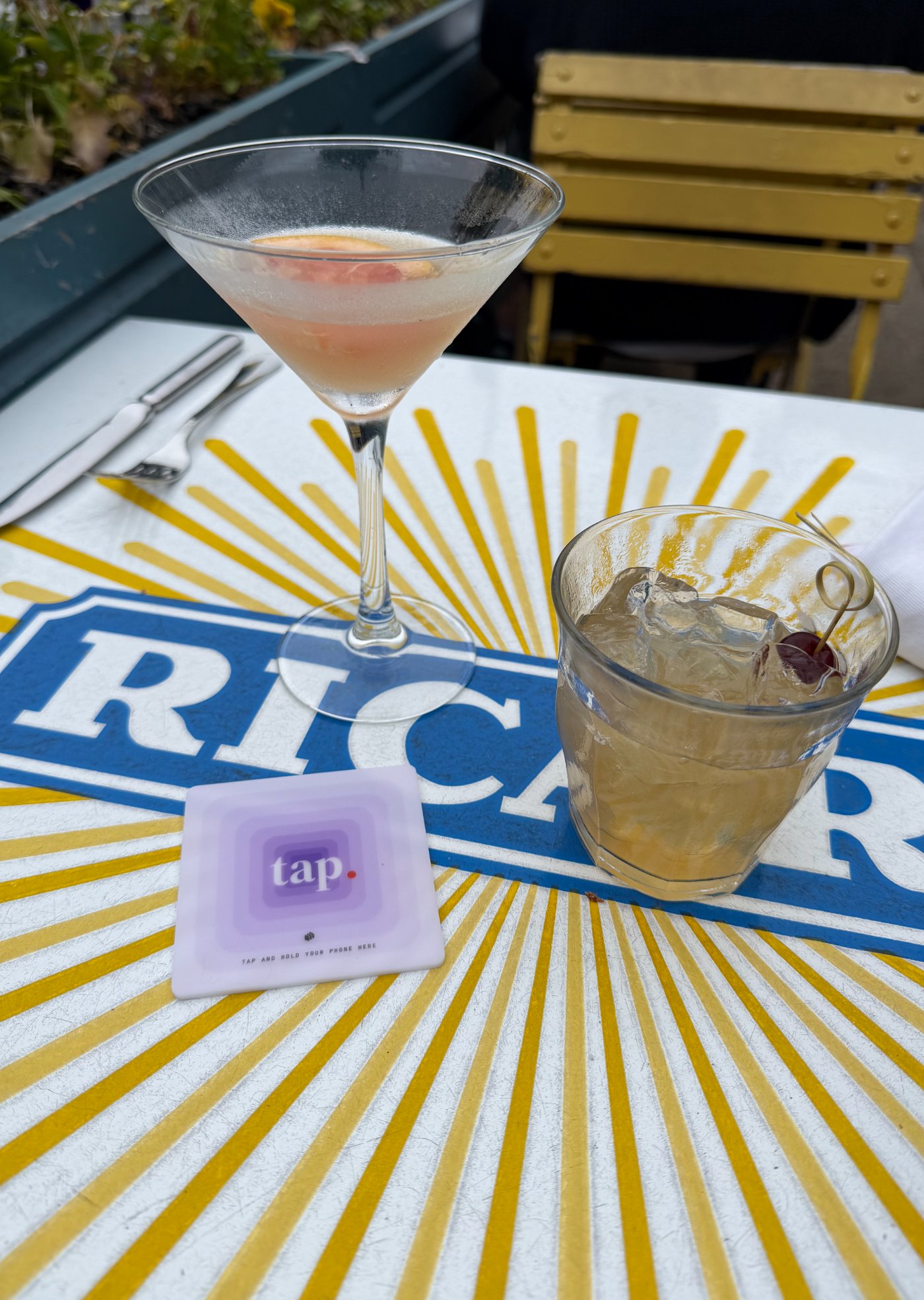
The menu, reservations, and the review invite stay within reach for the whole visit.
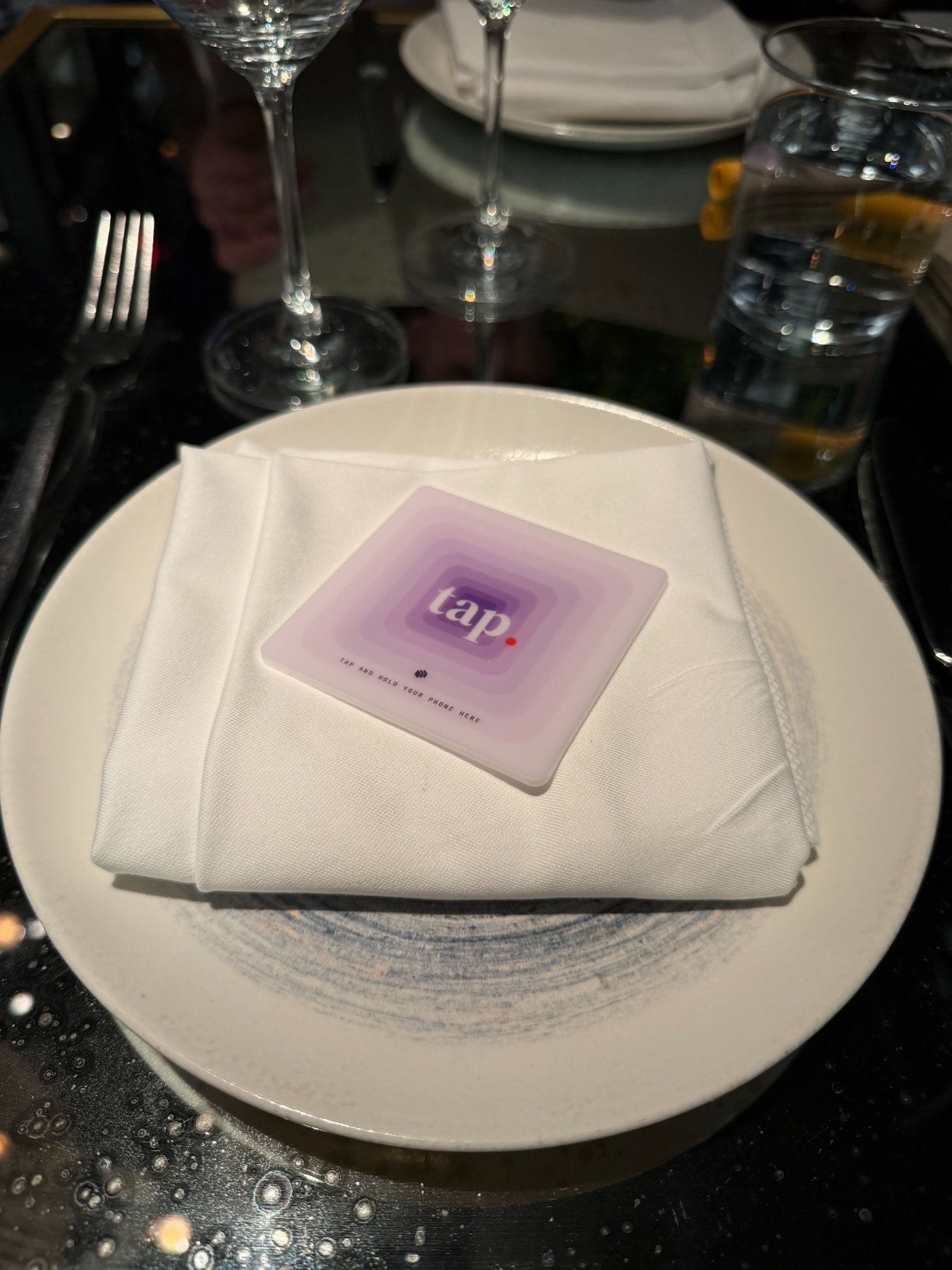
A tag near the check catches guests at the natural pause, without crowding service items.
Waiting guests can read the menu, book the next visit, or browse events instead of watching the door.
The same page works outside and at pickup. Use the on-metal tag when the surface is metal.
A clear path to your Google review page, with the same invite for every guest.
The current menu, the wine list, tonight's special. Update any of them without a reprint.
Send guests to whatever booking and events pages you already use.
Wi-Fi, socials, contact details, and your guest list, together instead of competing on separate table signs.
Every Tap tag ships programmed the same way. Choose the color that fits the table — including new House Linen and After Hours.
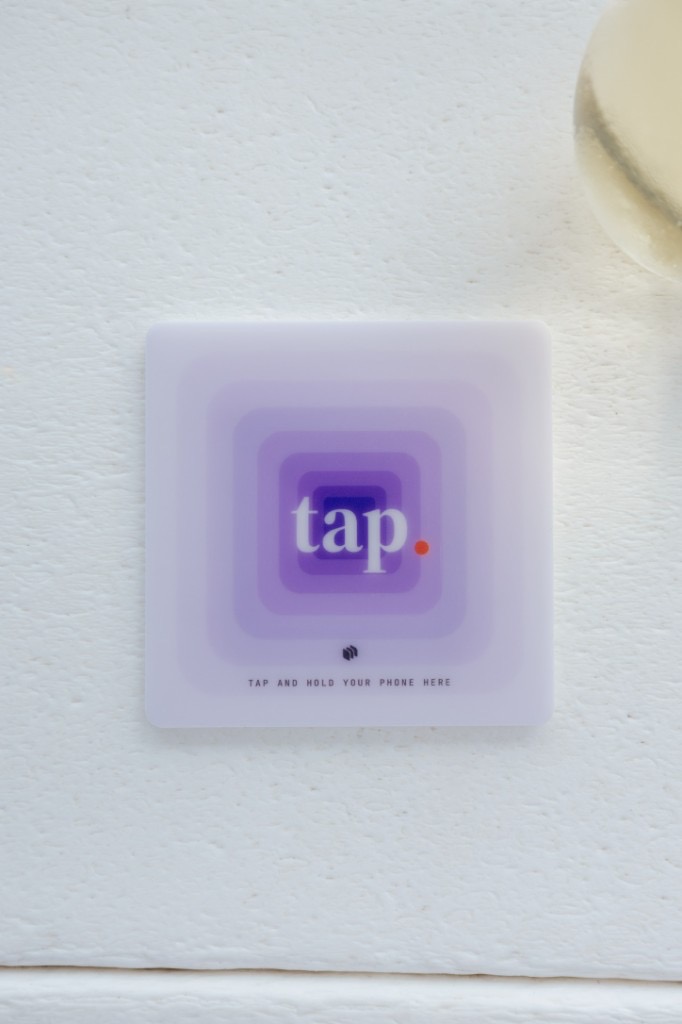
The Original
Recent iPhones read a tag while the screen is awake: hold the top edge near it. Android phones with NFC read from the back while unlocked; NFC may need switching on in Settings.
Guests don't need a Tap account or a Tap app. The tag opens your page from the phone's built-in NFC reader, and a quick test tap at the bar settles it for your room. Antenna spots vary a little by model.
Our guarantee: double your Google review pace within 60 days, or your Tap subscription is credited until you do. Tap measures new Google reviews per 30 days against the restaurant's trailing-90-day baseline.
If the restaurant misses the promised pace by day 60, the Tap subscription is credited each month until it reaches that pace. The one-time hardware fee is not part of the credit.
Tap includes programmed NFC tags, a venue-branded guest page, and the operator dashboard. Monthly plans add a one-time $149 hardware fee; annual plans waive it. Standard shipping is free, and subscriptions can be canceled anytime.
Tap
20 Tap Tags included + the review guarantee
Get started →Each Tap tag carries a programmed venue URL. A guest wakes and unlocks an NFC-enabled phone, holds it near the tag, and opens the restaurant's Tap page for reviews, menus, reservations, and other links.
Start at moments when a guest is already paused with a phone nearby: dining tables, check presenters, the host stand, a waiting area, patio tables, or takeaway pickup. Label each placement in the dashboard and test it before service.
No Tap app or Tap account is required. Recent iPhones can read a tag while the screen is awake; NFC-enabled Android phones generally read while unlocked, although NFC settings and antenna position vary by device.
Yes. The tag opens your Tap page, and you edit the links on that page from the dashboard. The physical tag never needs replacing or reprogramming.
Tap includes 20 Tap Tags. Additional tags start at $8 each and cost less at volume. Custom tags are available exclusively with annual plans. Orders of 100 or more tags, multiple designs, or specialty production requirements are individually quoted. Tap also includes our review guarantee.
Tap is $99/month and includes programmed NFC tags, a venue-branded guest page, and the operator dashboard. Monthly billing adds a one-time $149 hardware fee; annual billing waives it. Standard shipping is free.
Get Tap, set up your page, and get tags programmed for your room.
Get started →